Set Up React Typescript with Vite | Thirdy Gayares
I am a dedicated and skilled Software Engineer specializing in mobile app development, backend systems, and creating secure APIs. With extensive experience in both SQL and NoSQL databases, I have a proven track record of delivering robust and scalable solutions.
Key Expertise:
Mobile App Development: I make high-quality apps for Android and iOS, ensuring they are easy to use and work well.
Backend Development: Skilled in designing and implementing backend systems using various frameworks and languages to support web and mobile applications.
Secure API Creation: Expertise in creating secure APIs, ensuring data integrity and protection across platforms.
Database Management: Experienced with SQL databases such as MySQL, and NoSQL databases like Firebase, managing data effectively and efficiently.
Technical Skills: Programming Languages: Java, Dart, Python, JavaScript, Kotlin, PHP
Frameworks: Angular, CodeIgniter, Flutter, Flask, Django
Database Systems: MySQL, Firebase
Cloud Platforms: AWS, Google Cloud Console
I love learning new things and taking on new challenges. I am always eager to work on projects that make a difference.
Original Content → https://thirdygayares.com/react/set-up-react-vite-typescript
In this article, I will show you how to set up a React project using Vite and TypeScript step by step. This guide is perfect for beginners who want to start using React with TypeScript in a fast and efficient way. By the end, you will have a working project that is ready for development.
Important Note
Before starting, make sure you have Node.js installed on your machine. Vite requires Node.js to run. You can download and install it from the official website: https://nodejs.org/.
1. Create a Vite + React + TypeScript Project
Run the following command in your terminal:
npm create vite@latest my-new-app --template react-ts

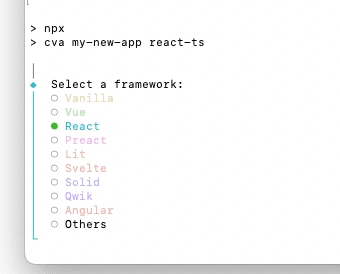
Choose React:
Choose Typescript:
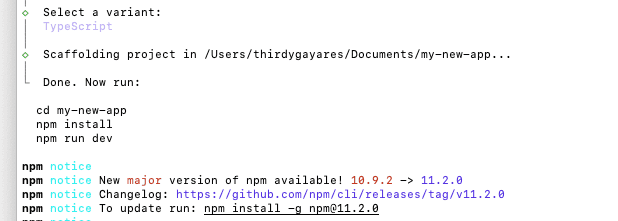
Then, go into the project folder:

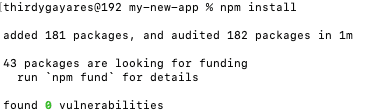
2. Install Dependencies
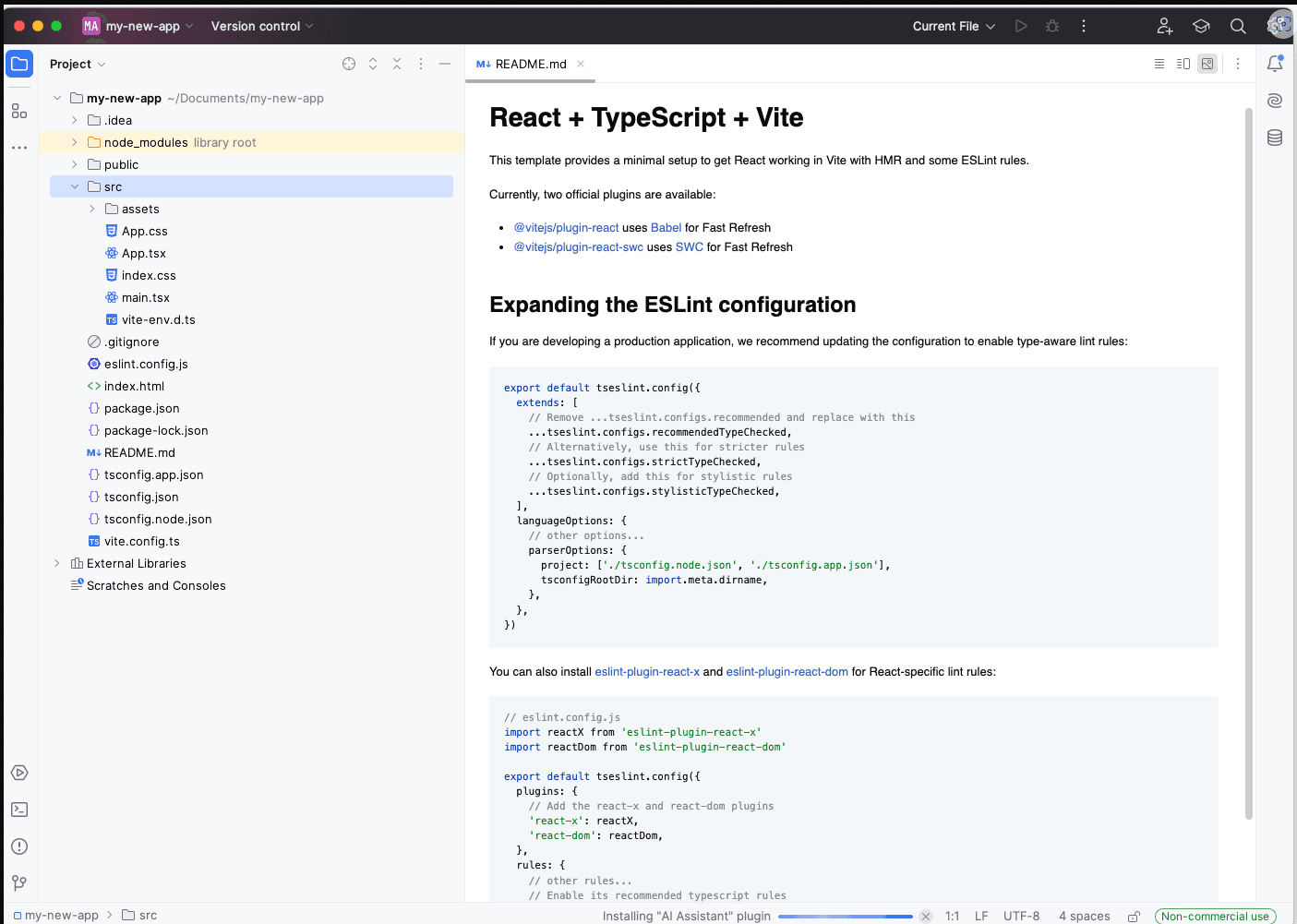
3. View Source Code on your favorite IDE
4: Run your code
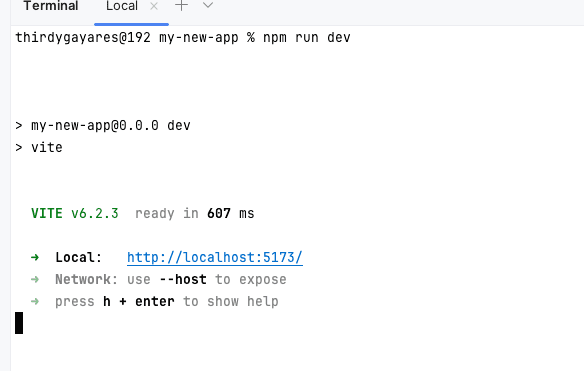
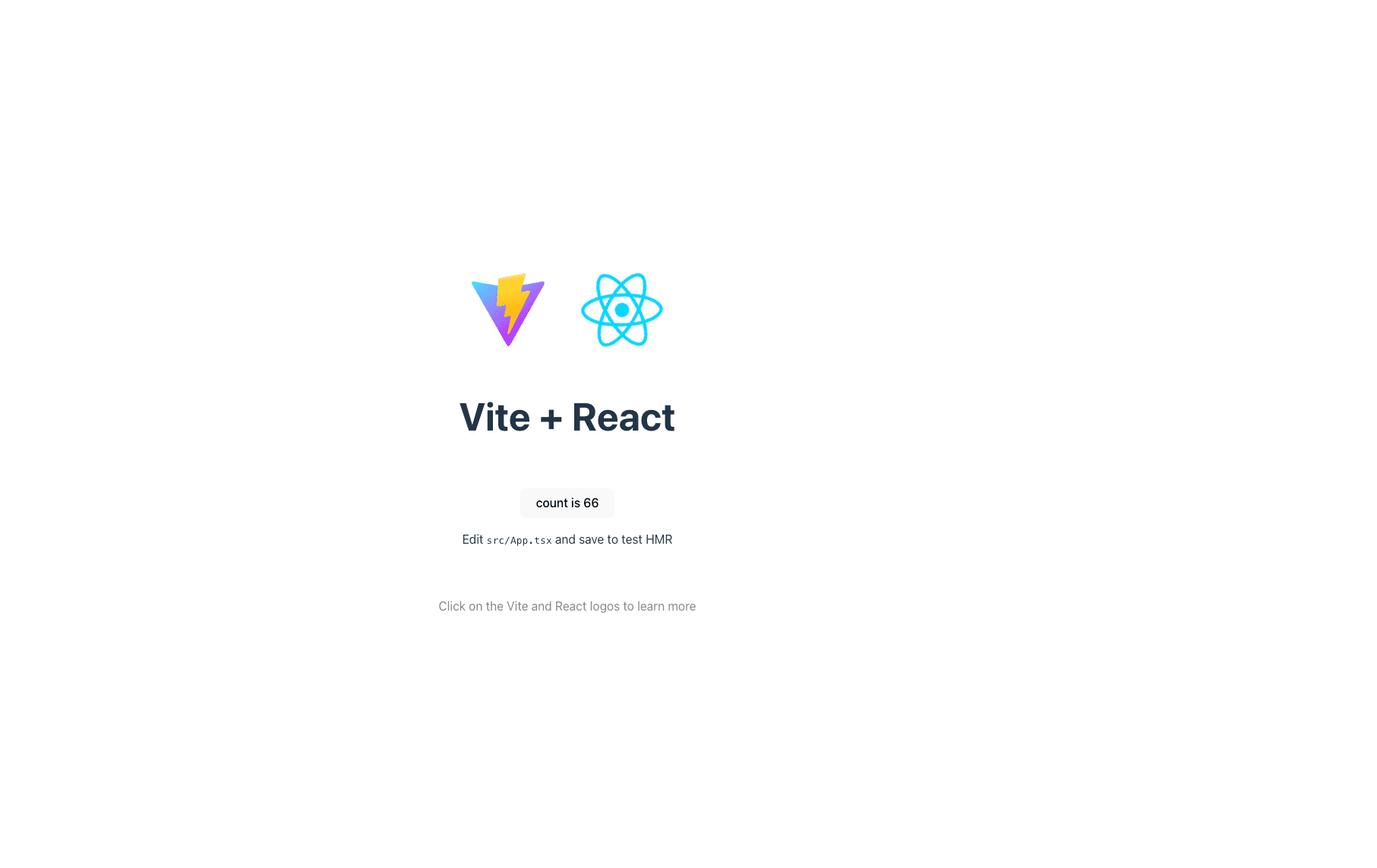
Your React + Vite + TypeScript project is now ready!